

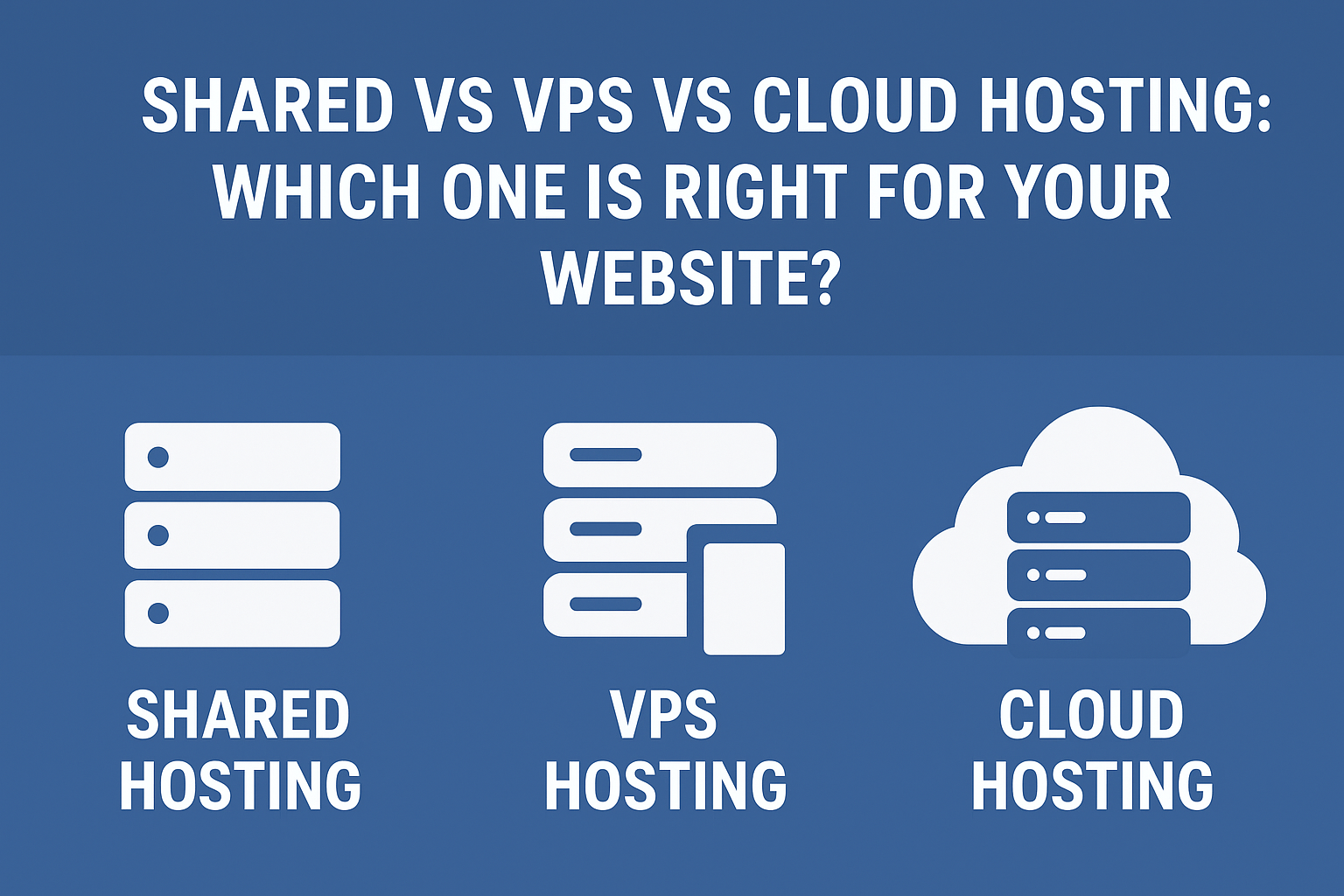
Shared vs VPS vs Cloud Hosting Choosing the right hosting for your website is one of the most important decisions you’ll ever make for your online presence. Whether you’re launching a blog, running an eCommerce store, or building a SaaS project, your hosting affects speed, security, uptime, SEO rankings, user experience, and overall performance.
But with so many options available—Shared Hosting, VPS Hosting, and Cloud Hosting—many beginners (even experienced website owners) often get confused.
This in-depth guide breaks down everything you need to know so you can confidently decide which hosting type fits your needs, budget, and long-term goals.
What Is Web Hosting? (Quick Explanation)
Before comparing different hosting types, it’s important to understand what hosting actually is.
Web hosting is a service that stores your website files, images, databases, and code on a server. When someone visits your website, the hosting server delivers your website’s content to the user’s browser.
Different hosting types basically refer to how those server resources are managed, allocated, and shared among users.
1. Shared Hosting: The Beginner-Friendly Option
Shared hosting is the most common and affordable type of hosting. As the name suggests, you share a single physical server with hundreds (sometimes thousands) of other websites.
Imagine living in an apartment building where all residents share the same water, electricity, and other facilities. That’s exactly how shared hosting works.
How Shared Hosting Works
All websites on the server share:
- CPU power
- RAM
- Storage
- Bandwidth
- Server settings
Providers like Bluehost, Hostinger, Namecheap, and SiteGround typically offer shared hosting plans targeted at beginners.
Advantages of Shared Hosting
1. Very Affordable
Shared hosting is the cheapest option available, often starting at $1–$3 per month.
Ideal for beginners or low-budget projects.
2. Easy to Use
Comes with:
- cPanel or hPanel dashboard
- One-click WordPress installation
- Simple backups and email setup
No technical knowledge required.
3. Great for Small Websites
Shared hosting is perfect for:
- New blogs
- Portfolio websites
- Small business sites
- Static pages
If your website has low traffic, shared hosting will do the job.
Disadvantages of Shared Hosting
1. Performance Issues
Because many users share server resources:
- Website may slow down during peak hours
- If someone else’s site uses too many resources, your site suffers
2. Limited Customization
You cannot install advanced software or configure server-level settings.
3. Security Risks
If another website on your server gets hacked, your website can also be affected due to shared resources.
4. Not Suitable for High Traffic
Shared hosting can’t handle large or sudden traffic spikes.
Who Should Use Shared Hosting?
Shared hosting is perfect for:
- Beginners
- New websites
- Low-budget bloggers
- Personal websites
- Sites with under 5,000 visitors per month
If your website is growing, you should upgrade to VPS or Cloud hosting later.
2. VPS Hosting: More Power, More Control
VPS stands for Virtual Private Server. It’s a middle-ground solution between shared hosting and dedicated hosting.
In VPS hosting, a physical server is divided into multiple virtual servers, each with dedicated resources.
You still share the physical server, but you get own CPU, RAM, storage, and bandwidth that no one else can use.
Think of it like owning a private condo inside a building—you share the building, but your room is fully yours.
How VPS Hosting Works
A physical server uses virtualization technology to create multiple independent virtual servers.
You get:
- Dedicated CPU cores
- Dedicated RAM
- Root access (optional)
- Full control over configurations
Providers like Hostinger VPS, Vultr, DigitalOcean, and Linode are popular choices.
Advantages of VPS Hosting
1. Much Better Performance
Your website gets consistent speed because resources are not shared.
2. Scalable
You can increase RAM, CPU, and storage anytime.
3. Secure
Your virtual server is isolated from others, reducing security risks.
4. More Control
You can:
- Install custom software
- Configure servers
- Use advanced security tools
5. Handles Higher Traffic
VPS can easily support 20,000 to 100,000 monthly visitors, depending on configuration.
Disadvantages of VPS Hosting
1. More Expensive
Prices typically start from $5 to $15 per month.
2. Technical Knowledge Needed
If unmanaged, you’ll need:
- Linux commands
- Server configuration knowledge
- Firewall setup skills
(Managed VPS solves this problem but costs more.)
Who Should Use VPS Hosting?
VPS hosting is perfect for:
- Growing websites
- Serious bloggers
- WordPress sites with heavy plugins
- Medium-sized business websites
- eCommerce stores
- Developers
- Sites with 20k–100k monthly traffic
If your site is slow on shared hosting, VPS is a major upgrade.
3. Cloud Hosting: The Most Modern & Scalable Option
Cloud hosting is the most advanced and reliable hosting type. Instead of relying on a single physical server, your website runs on a cluster of interconnected servers (the cloud).
If one server fails, another one automatically replaces it.
This ensures:
- High performance
- Scalability
- Zero downtime
- Flexible resource allocation
Think of it like using multiple power generators instead of relying on just one.
How Cloud Hosting Works
Your website’s data is stored on multiple servers across different locations. When a user visits:
- The nearest and fastest server responds
- If one server crashes, others take over instantly
This makes cloud hosting extremely reliable.
Advantages of Cloud Hosting
1. Extremely Fast
Cloud hosting typically offers:
- High-speed SSD or NVMe storage
- Global CDN integration
- Auto-scaling resources
2. 99.99% Uptime Guarantee
Because it uses multiple servers, downtime is extremely rare.
3. Highly Scalable
Traffic spike? The system automatically adds more resources.
Perfect for viral content or seasonal businesses.
4. Very Secure
Cloud hosting uses advanced firewalls and DDoS protection.
5. Pay for What You Use
Many cloud hosting platforms offer pay-as-you-go pricing.
Disadvantages of Cloud Hosting
1. Higher Cost
Cloud hosting usually starts at $10–$20 per month.
2. Can Be Complex
Managing cloud servers can be difficult without:
- Technical skills
- DevOps knowledge
(Some companies offer managed cloud hosting to fix this.)
Who Should Use Cloud Hosting?
Cloud hosting is ideal for:
- Large websites
- High-traffic blogs
- eCommerce businesses
- SaaS platforms
- News websites
- Agencies
If your site’s uptime and speed are critical, cloud hosting is your best choice.
Performance Comparison Table
| Feature | Shared Hosting | VPS Hosting | Cloud Hosting |
|---|---|---|---|
| Speed | Low–Medium | High | Very High |
| Security | Basic | Strong | Very Strong |
| Scalability | Limited | Medium | Excellent |
| Traffic Capacity | Low | Medium–High | Very High |
| Uptime | 97–99% | 99% | 99.99% |
| Technical Skill Needed | None | Medium | Medium–High |
| Cost | Low | Medium | Higher |
Which Hosting Should You Choose?
Here is a simple rule:
Choose Shared Hosting if:
- You’re a beginner
- Running a small website
- Have limited budget
- Expect low traffic
Choose VPS Hosting if:
- Your website is growing
- You want better speed and security
- You need control over the server
- Running medium-sized websites
Choose Cloud Hosting if:
- You want maximum speed, uptime & scalability
- Expect high or unpredictable traffic
- Running an eCommerce, SaaS, or large project
- Need enterprise-level reliability
Real-World Examples
A New Blog
Shared hosting is enough until you get more than 10,000 monthly visitors.
A Business Website
VPS hosting is perfect for professional performance.
A Large e-Commerce Store
Cloud hosting is the best due to high uptime and traffic handling.
Conclusion: Which Hosting Is Right for You?
Your perfect hosting choice depends on your goals, traffic level, and budget:
- Shared Hosting = Best for beginners
- VPS Hosting = Best for growing sites
- Cloud Hosting = Best for high-performance, scaling, and business-critical projects
Before choosing, think about:
- How much traffic you expect
- Your technical skill
- Your budget
- The purpose of your website
With the right hosting, your website will be faster, more secure, and more reliable—giving you better SEO rankings and a professional online presence.
Shared vs VPS vs Cloud Hosting Shared vs VPS vs Cloud Hosting Shared vs VPS vs Cloud Hosting Shared vs VPS vs Cloud Hosting Shared vs VPS vs Cloud Hosting Shared vs VPS vs Cloud Hosting Shared vs VPS vs Cloud Hosting Shared vs VPS vs Cloud Hosting Shared vs VPS vs Cloud Hosting Shared vs VPS vs Cloud Hosting Shared vs VPS vs Cloud Hosting Shared vs VPS vs Cloud Hosting Shared vs VPS vs Cloud Hosting Shared vs VPS vs Cloud Hosting Shared vs VPS vs Cloud Hosting
Shared vs VPS vs Cloud Hosting
Our Recent Review: Perfect Web Hosting: The Complete Guide to Reliable and Affordable Hosting Solutions